 AURA
AURAPRIVATE NOTES. CLEAR THINKING.
A space to think.
Capture ideas, organize your days, and refine your writing with private, on-device Apple Intelligence.
AURA Notes: Writing Studio · Free for iPhone & iPad
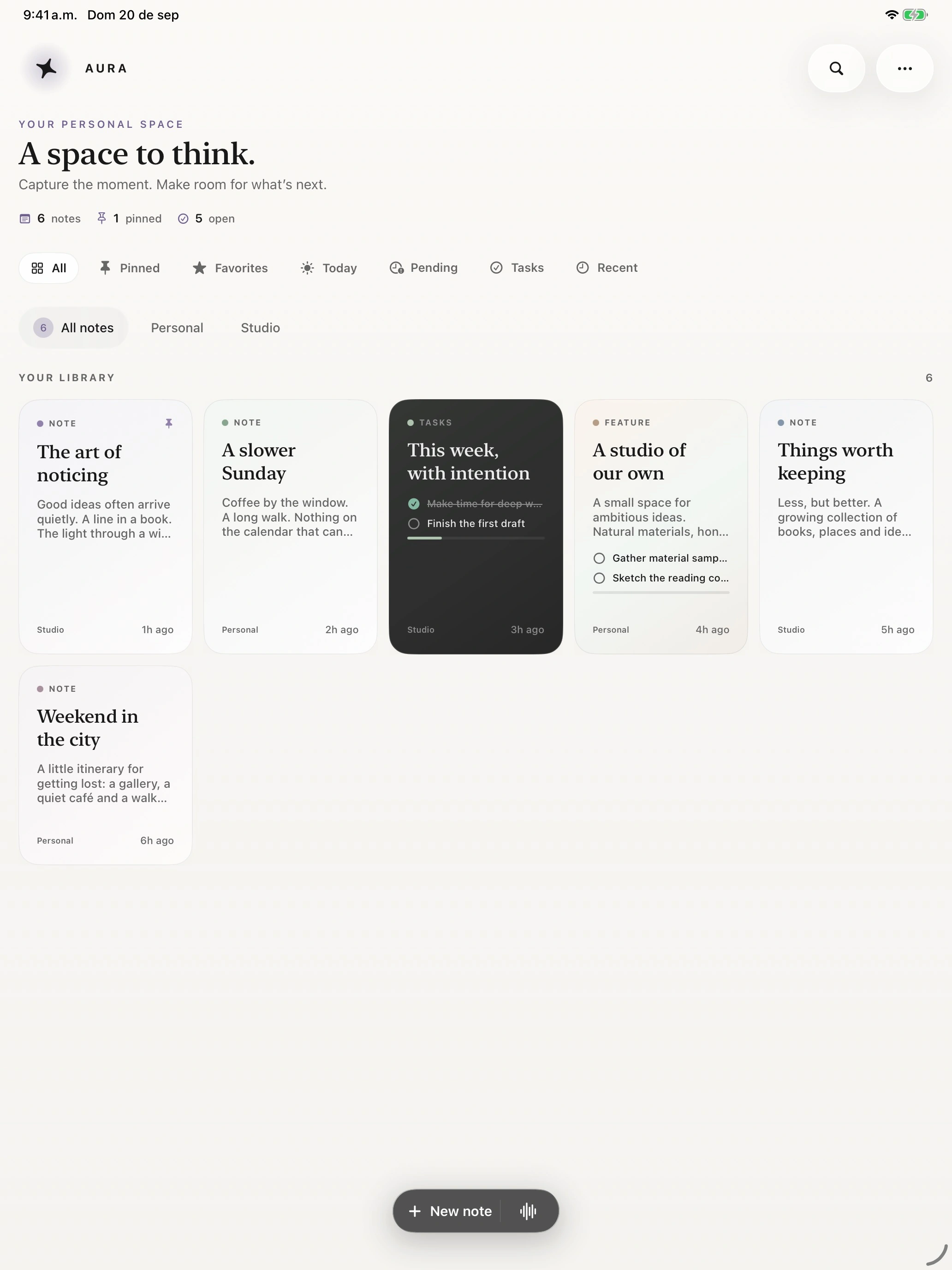
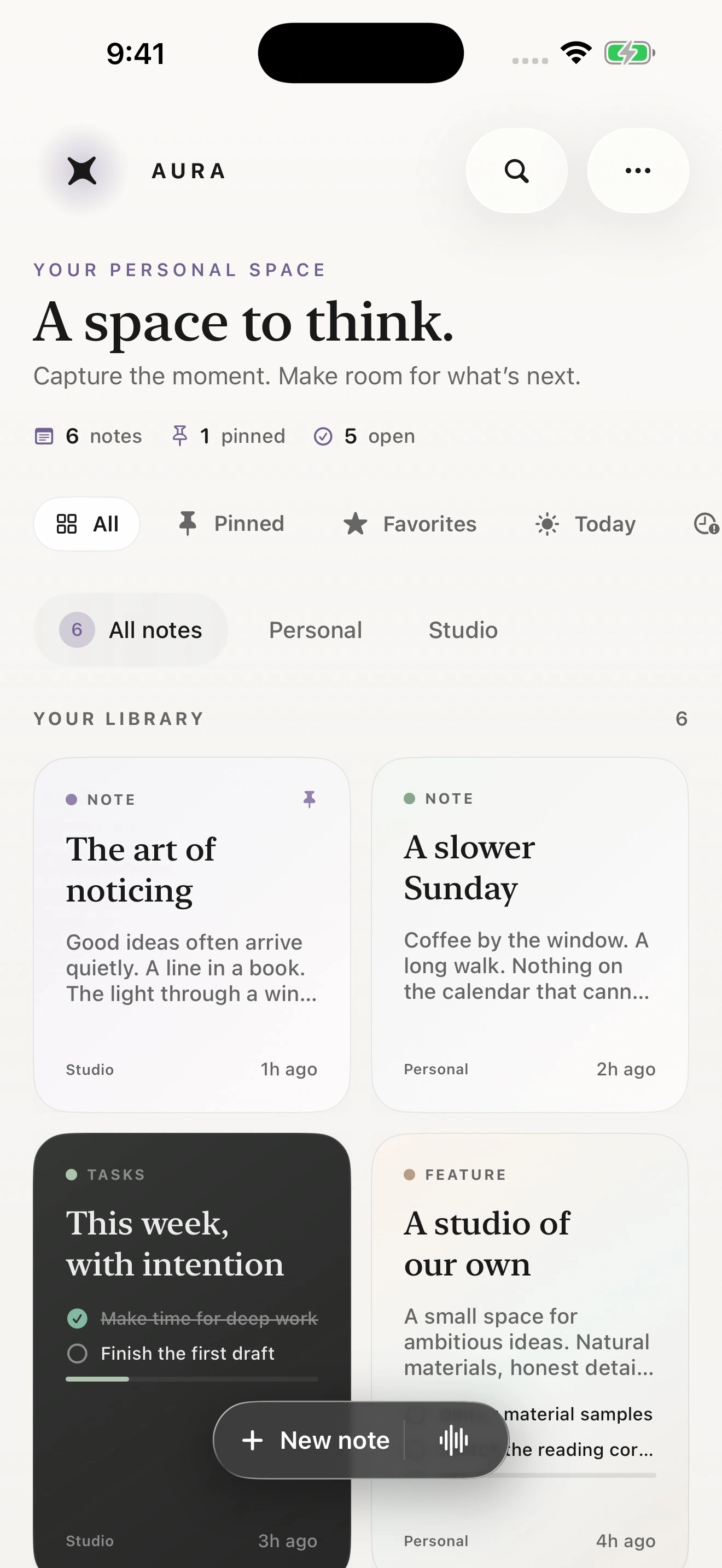
for what matters.
01 / WRITING STUDIO
A little intelligence.
Entirely on device.
Find the words. Keep your voice. Apple Intelligence and Foundation Models help you move from a first thought to a clearer draft.
Review every suggestion before applying it. Your original content is preserved. No API key. No AI subscription.
- 01Summarize a note
- 02Polish writing
- 03Suggest a title
- 04Suggest tags
- 05Find action items
Apple Intelligence requires a compatible device, a supported language and region, and Apple Intelligence enabled in Settings. All other note-taking features work without Apple Intelligence.
02 / THE EDITOR
Room for every
kind of thought.
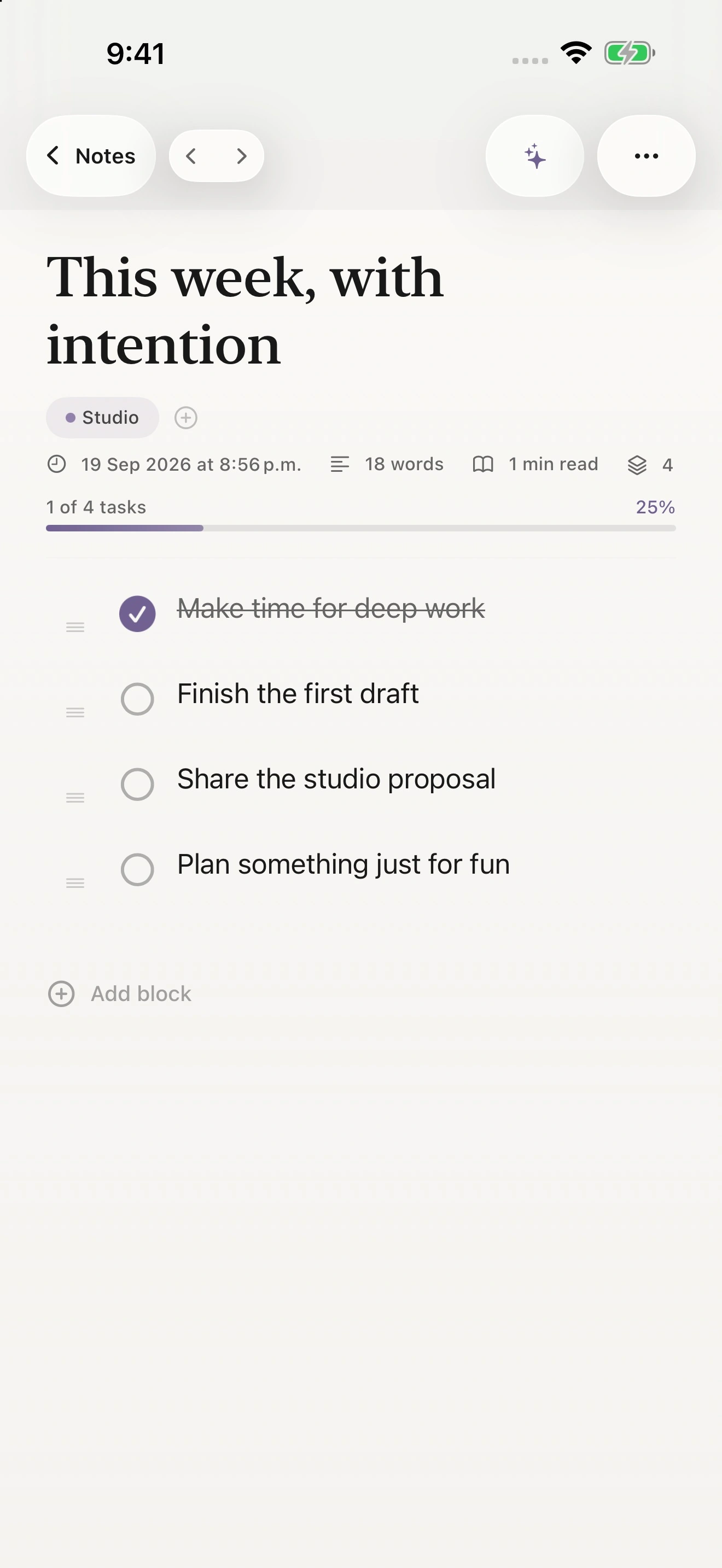
A flexible block editor for a single line or a longer story. Give your ideas structure, then settle into focus mode.
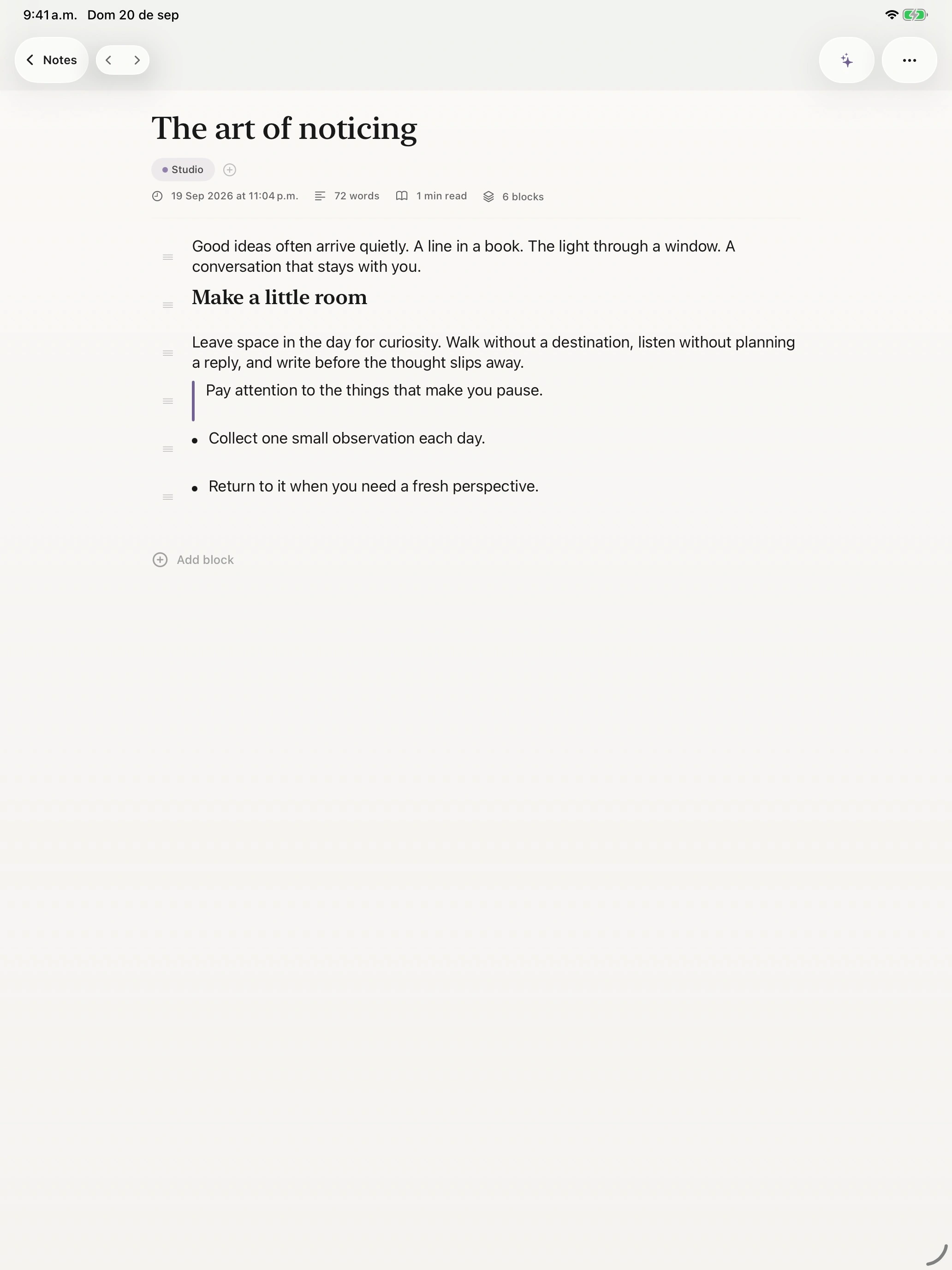
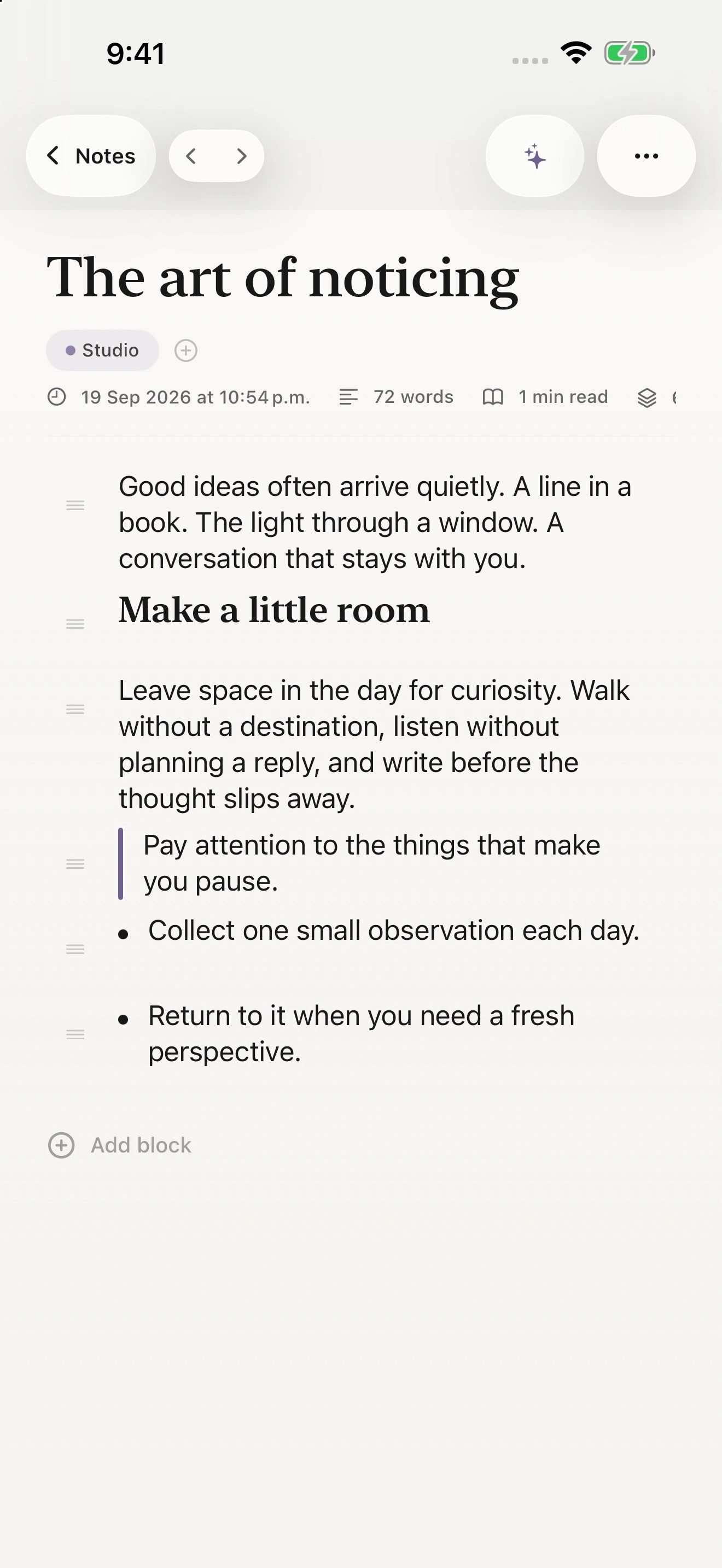
- Text, headings, quotes and lists
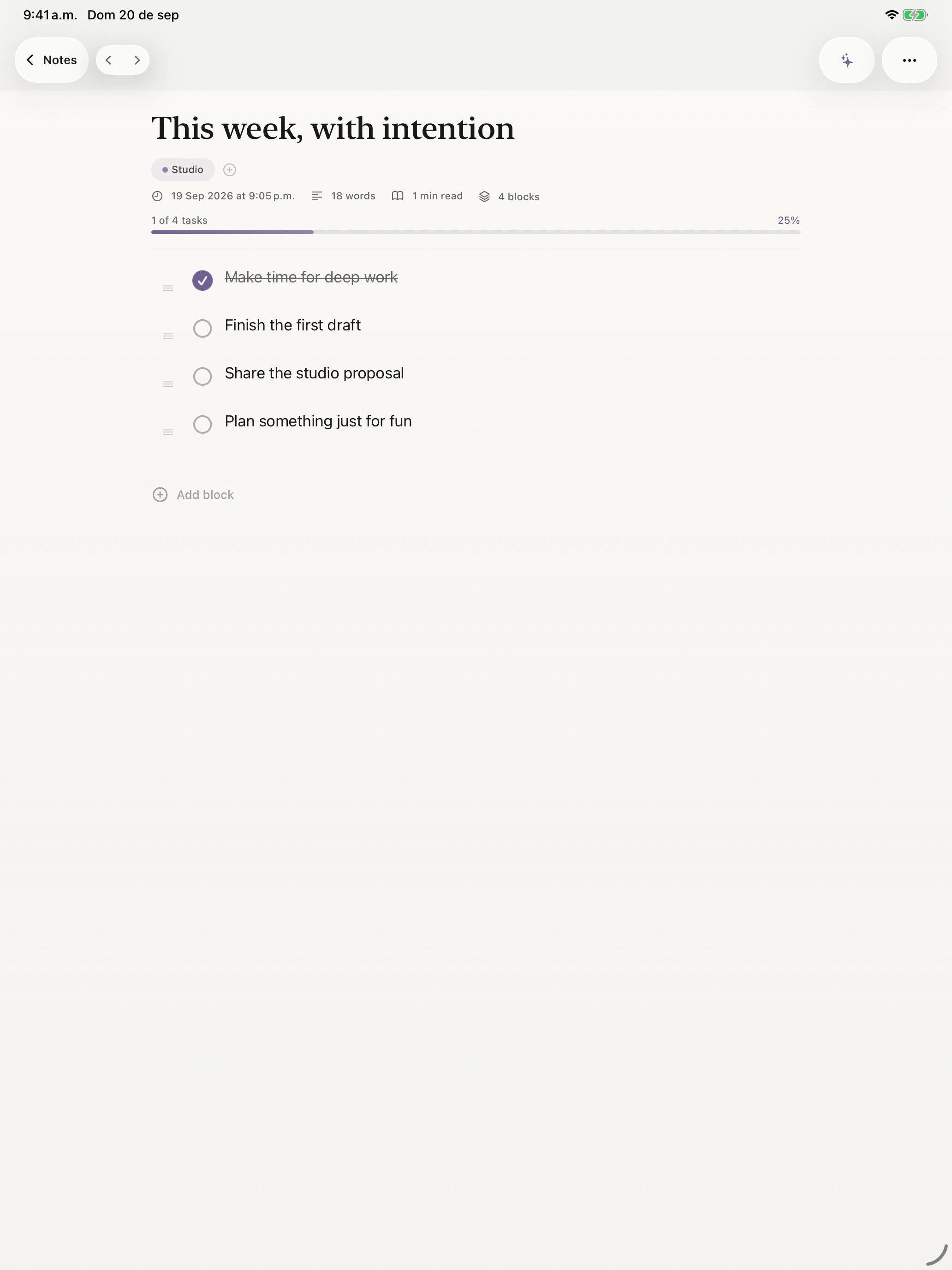
- Checklists and progress
- Focus mode
- Tags, folders and favorites
- Backlinks
- Search and Spotlight
- Version history
- Markdown and PDF export
03 / CAPTURE
Life doesn’t arrive
as a blank page.
A photograph. A sketch. Something you said out loud. Bring it all into your notes, and give the next step a place to live.
- Photos and file attachments
- Document scanning and sketches
- Voice recording and on-device transcription
- Share extension and templates
- Reminders
- Widgets and App Shortcuts
Some features depend on permissions, iCloud, or system availability.
04 / PRIVATE BY DESIGN
Your notes
stay yours.
Your writing is personal. The tools around it should respect that.
No audience. No ad business.
No advertising, analytics SDK, or tracking in the app. No developer account required. No external AI API.
On your device. In your control.
Apple Intelligence generation happens on device. Voice recognition is configured for on-device recognition. You control optional permissions.
A private place to keep it.
Optional iCloud sync uses your private CloudKit database. Protect selected notes with Vault and control access with App Lock.
YOURS TO USE
Free means free.
No subscriptions. No in-app purchases. No AI credits.
Is AURA Notes free?
Yes. AURA Notes is free for iPhone and iPad. No subscriptions, no in-app purchases, and no AI credits.
Does it require an account?
No developer account or sign-up is required. Optional iCloud sync uses your existing Apple Account.
Which devices support Writing Studio?
AURA Notes requires iOS 26.4 or iPadOS 26.4 or later. Apple Intelligence requires a compatible device, a supported language and region, and Apple Intelligence enabled in Settings. All other note-taking features work without Apple Intelligence.
Are notes sent to an external AI service?
No. Writing Studio uses Apple’s Foundation Models framework to generate suggestions on your device. Your notes are not sent to an external AI API. No API key is needed.
Does the app work without Apple Intelligence?
Yes. You can write, organize, search, and use the other note-taking features without Apple Intelligence. Voice transcription has its own device and language availability requirements.
Can notes sync with iCloud?
Yes. With iCloud available and enabled for AURA Notes, sync uses your private CloudKit database. You can manage iCloud access in system Settings. Local note-taking remains available without iCloud.
What permissions are optional?
Camera access is used for scanning; the microphone and speech recognition for voice notes; notifications for reminders; and Face ID or Touch ID for supported locking features. You choose photos and files with system pickers. You can change permissions in Settings. Some features depend on permissions, iCloud, or system availability.